If you want more headshots, smoother aim, and better close-range fights, then your sensitivity settings in Free Fire matter more than anything else.
Many players copy pro settings blindly — but that’s a mistake.
In this complete guide, you’ll learn:
- ✅ The best sensitivity settings in Free Fire for 2026
- ✅ Settings for low-end and high-end devices
- ✅ How to adjust sensitivity for drag headshots
- ✅ Mistakes that reduce your accuracy
- ✅ Pro tips to improve aim instantly
Let’s level up your gameplay.
What Is Sensitivity in Free Fire?
Sensitivity controls how fast your screen moves when you swipe. If it’s too high, your aim will shake. If it’s too low, you won’t be able to react quickly.
The perfect sensitivity gives you:
- Smooth movement
- Fast reaction time
- Easy drag headshots
- Better recoil control
Finding the right balance is the key to becoming a better player.
Best Sensitivity Settings in Free Fire (Balanced for Most Players)
These settings work well for most mid-range devices in 2026:
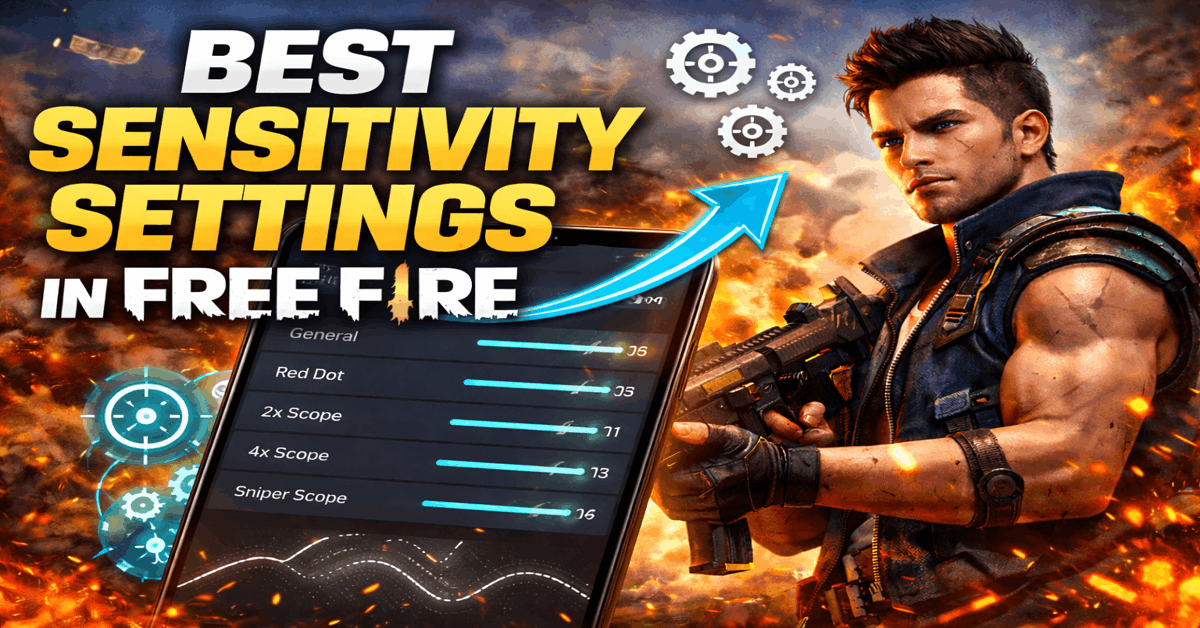
🔹 General: 90 – 100
🔹 Red Dot: 85 – 95
🔹 2x Scope: 75 – 85
🔹 4x Scope: 65 – 75
🔹 Sniper Scope: 50 – 60
🔹 Free Look: 65 – 75
These values help in fast drag shots while keeping recoil under control.
💡 Tip: Start in the middle of the range and adjust slowly.
Best Sensitivity for Maximum Headshots
If your goal is high headshot rate, use slightly higher general sensitivity.
Recommended Headshot Setup:
- General: 95 – 100
- Red Dot: 90 – 95
- 2x Scope: 80 – 85
- 4x Scope: 70 – 75
- Sniper Scope: 50 – 55
Higher general sensitivity helps in quick upward drag for headshots.
But remember — practice is more important than numbers.
Best Sensitivity Settings for Low-End Devices (2GB / 3GB RAM)
Low-end phones may lag if sensitivity is too high.
Recommended Settings:
- General: 85 – 90
- Red Dot: 80 – 85
- 2x Scope: 70 – 75
- 4x Scope: 60 – 65
- Sniper Scope: 45 – 50
Lower settings reduce screen shake and improve stability on weaker devices.
Best Sensitivity for High-End Devices (Smooth 60–90 FPS)
If you have a powerful device, you can increase sensitivity for faster response.
Recommended Settings:
- General: 95 – 100
- Red Dot: 90 – 95
- 2x Scope: 80 – 85
- 4x Scope: 70 – 80
- Sniper Scope: 55 – 60
High FPS devices handle fast movements better.
How to Find Your Perfect Sensitivity
Copying pro players won’t always work because:
- Device DPI differs
- Screen size matters
- FPS performance varies
- Touch response changes
Step-by-Step Method:
- Go to Training Ground
- Start with General at 90
- Shoot walls and drag upward
- Adjust by +3 or -3
- Repeat until movement feels natural
Small adjustments make big differences.
Common Sensitivity Mistakes in Free Fire
Avoid these mistakes if you want consistent aim:
❌ Using Too High Sensitivity
This causes shaky aim and missed shots.
❌ Changing Settings Daily
Stick to one setup for at least a week.
❌ Copying YouTubers Blindly
Their device and DPI are different from yours.
❌ Ignoring Practice
Settings alone don’t improve skills.
Best HUD Setup for Better Sensitivity Control
Sensitivity works best with proper HUD placement.
Tips:
- Increase fire button size (60–70%)
- Keep drag area comfortable
- Place buttons where thumb moves naturally
- Avoid cluttered screen layout
Comfort improves reaction time.
Pro Tips to Improve Aim in Free Fire
Sensitivity is just one part. Combine it with these:
✔ Practice Drag Shot Technique
Pull the fire button slightly upward.
✔ Use Aim Assist Smartly
Don’t rely on it completely.
✔ Focus on Crosshair Placement
Keep crosshair near head level before shooting.
✔ Train Daily in Practice Mode
10–15 minutes daily makes huge difference.
Does DPI Affect Sensitivity in Free Fire?
Yes.
Higher DPI means faster screen movement. If you use high DPI:
- Lower in-game sensitivity slightly
- Test carefully to avoid overflick
Never change DPI without understanding its effect.
Best Sensitivity Settings for Ranked Mode
In ranked matches, stability matters more than speed.
Use slightly balanced setup:
- General: 90 – 95
- Red Dot: 85 – 90
- 2x Scope: 75 – 80
- 4x Scope: 65 – 70
Consistency wins ranked games.
Frequently Asked Questions
What is the best sensitivity for auto headshot in Free Fire?
There is no magic number. A high general sensitivity (95–100) combined with practice helps improve headshot accuracy.
Should beginners use high or low sensitivity?
Beginners should start with medium sensitivity and adjust slowly.
Why is my aim shaking?
Your sensitivity may be too high, or your screen response is unstable.
Final Thoughts: The Real Secret to Perfect Sensitivity
The best sensitivity settings in Free Fire are the ones that feel natural to YOU.
Pro players became pro because they practiced consistently — not because they copied settings.
If you:
- Practice daily
- Adjust slowly
- Stay consistent
- Avoid frequent changes
You will see real improvement.
Also Read: Garena Free Fire Max Redeem Codes Today
Master your sensitivity, and your headshot rate will automatically improve.